
How it works
How a FunClick game show rental works
You build the game, we ship the clickers, and you host the show. Here is the whole process, from the first question you write to the winners' reveal.
From $850 for 50 players · up to 1,000 clickers · shipped to your door
Create your game online
Build your show in our editor for free. Write your own questions, import them from the question archive, or let the AI question writer draft a round. Add photos, videos, music and a theme.
Book your date
Tell us your event date and how many guests will play. You see your price right away, starting at $850 for 50 clickers, and we can supply up to 1,000. We confirm and email you a secure payment link.
Your kit arrives
A box with the light-up clickers and the receiver is delivered before your event. Plug the receiver into a Windows computer and connect a screen or projector and speakers.
Showtime
Hand out the clickers and press start. Guests answer, the clickers light up, the scoreboard updates live, and the winners are revealed at the end. No internet needed.
During the game
What happens when a question appears
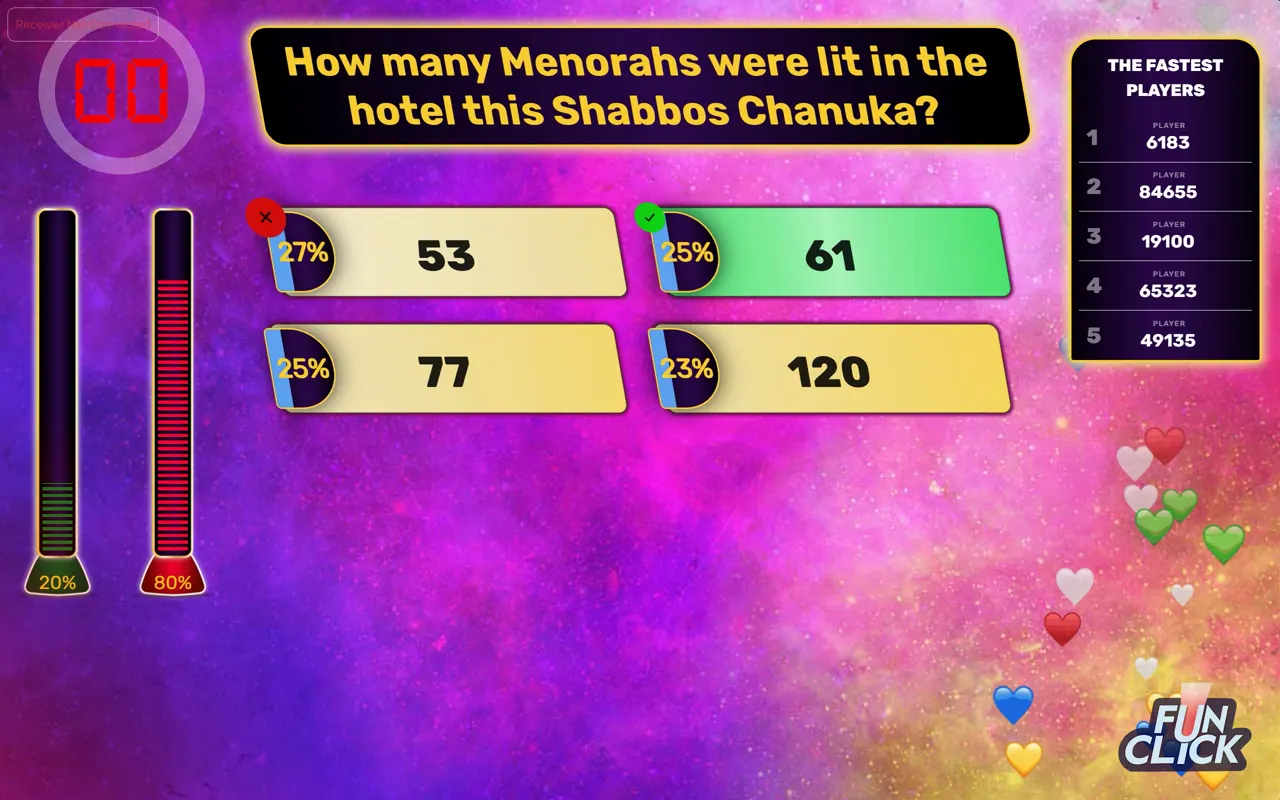
Each player has a light-up clicker and is prompted to choose from the list of answers, using the button that matches. The question stays on the screen for a set amount of time.
Once the timer ends, each player's clicker lights up green for a correct answer, red for an incorrect one, and white if the player did not answer.
If the question was a poll, such as "Which is your favorite Yom Tov?", the clickers change to the color of the answer each player selected, and a graph on the screen shows the percentage of votes each answer received.
The game tracks the accuracy and speed of each player, and of each team if you chose Team vs. Team, and shows the top winners and every player's score at the end.
What you need
What is in the kit, and what you provide
We send
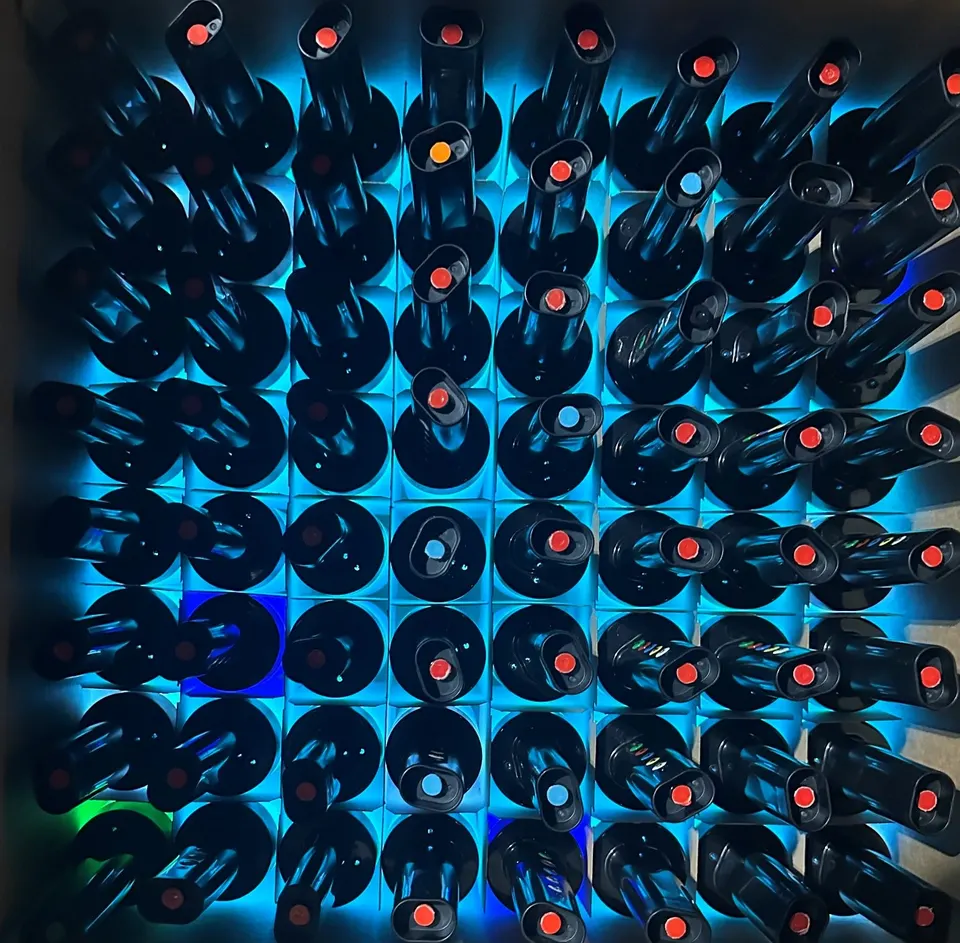
- Light-up clickers for every player, plus a few spares
- The receiver that connects the clickers to your computer
- Your game, ready to run
You provide
- A Windows computer
- A projector or large screen
- Speakers
No projector or speaker? Add either one to your rental for $150.
Good to know
Hosting questions
Do you send someone to run the game?
FunClick is self-hosted, so you or someone you choose runs the show. Everything you need arrives in the kit, and you can rehearse the whole game ahead of time.
What kind of computer do I need?
A Windows computer. The game is downloaded to it and the receiver from the kit plugs into the computer.
Is an internet connection needed to run the game?
No. You need a connection to create the game, but once it is downloaded it runs offline.
How long does a game take?
That is up to you, since you create the game. We recommend no more than 40 questions, which typically takes about an hour.
Step one is free
Build your whole game online before you decide. Book the clickers when you are ready.
Questions? Call 929-324-1148 or message us on WhatsApp.